User Settings
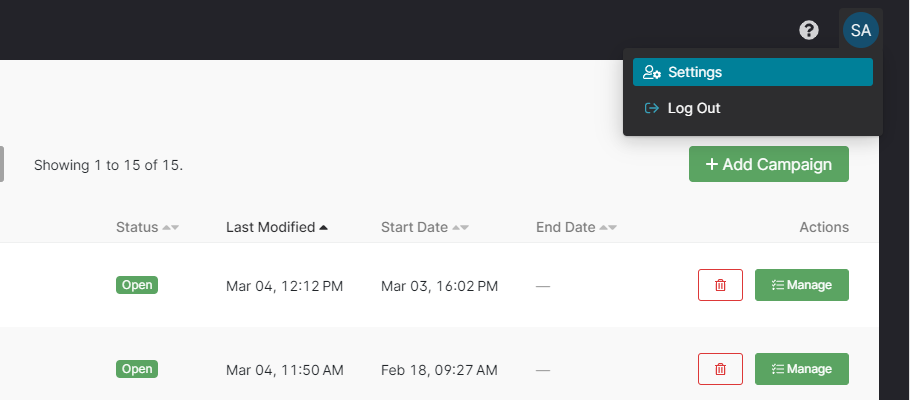
You can access your user settings by clicking your initials in the top-right corner of the CMS, then clicking "Settings" in the drop down menu.
Time Zone Preference
All dates and times in the Chimney CMS are displayed in your preferred time zone, unless otherwise specified. The dates you pick in the entries list's date filter, including Past Day, Past Week and Past Month, are days in your preferred time zone too. The campaign Overview and the entries list show the time zone's short name after each time, such as EST, EDT or GMT+1.
You can choose your preferred time zone by selecting it from the drop down list provided. Start typing in the input to filter the list. Click "Save" to save your preference.
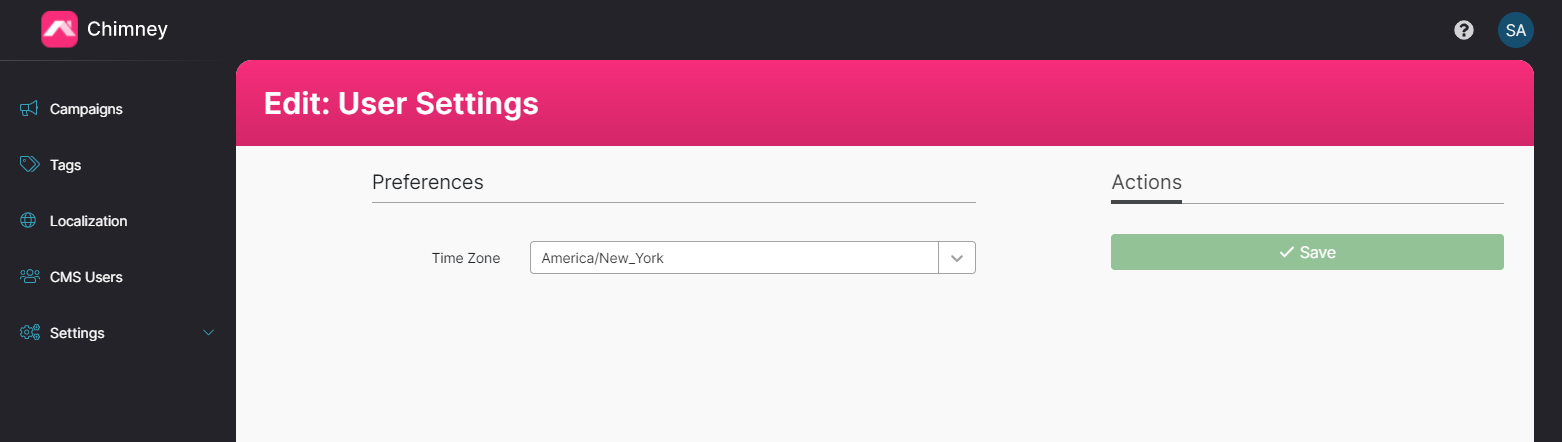
By default your time zone will be "America/New_York", unless your administrator has requested an alternate default time zone.