Localization
If you need to serve users in non-English speaking locales, Chimney offers a localization option for your front-end embed.
Localization Index
The localization index displays a list of languages you can serve a campaign in. English is provided by default. Search and sorting apply across all languages, and the page, page size, search and sort are saved in the URL. You can copy the URL or use Back and Forward to return to the same view. If loading fails, use Retry to request the same page.
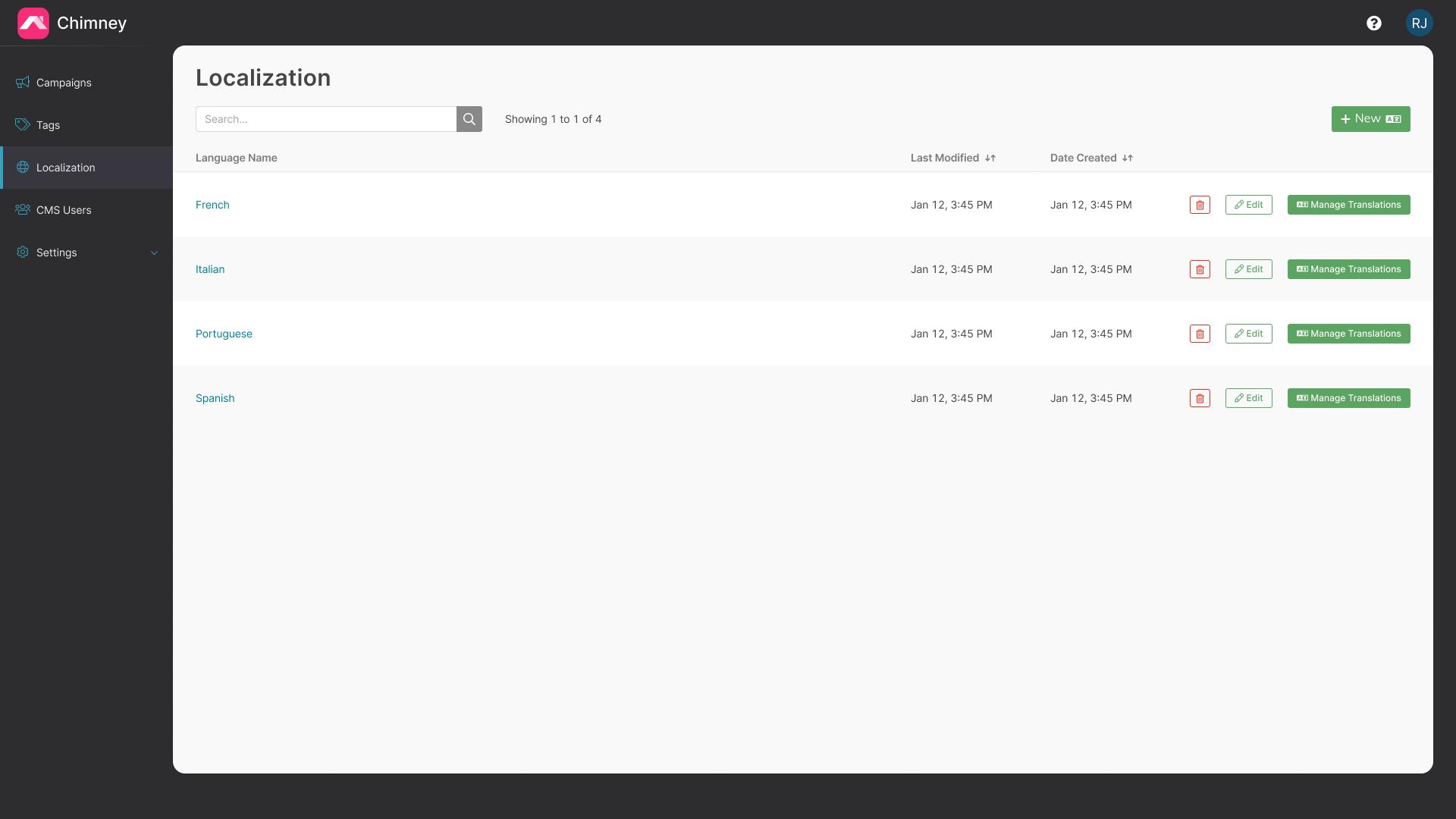
Adding a Language
To add a new language, click "+ New" in the top right-hand corner of localization index.
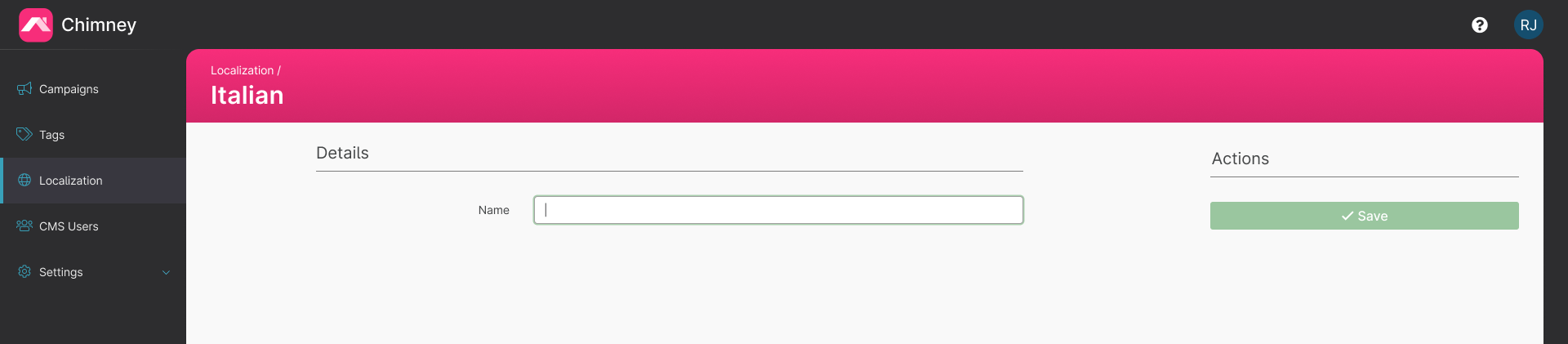
In the "New Language" form page, enter the name of your language, then click "Save". This saves the new language and takes you back to the localization index.
Adding Translations
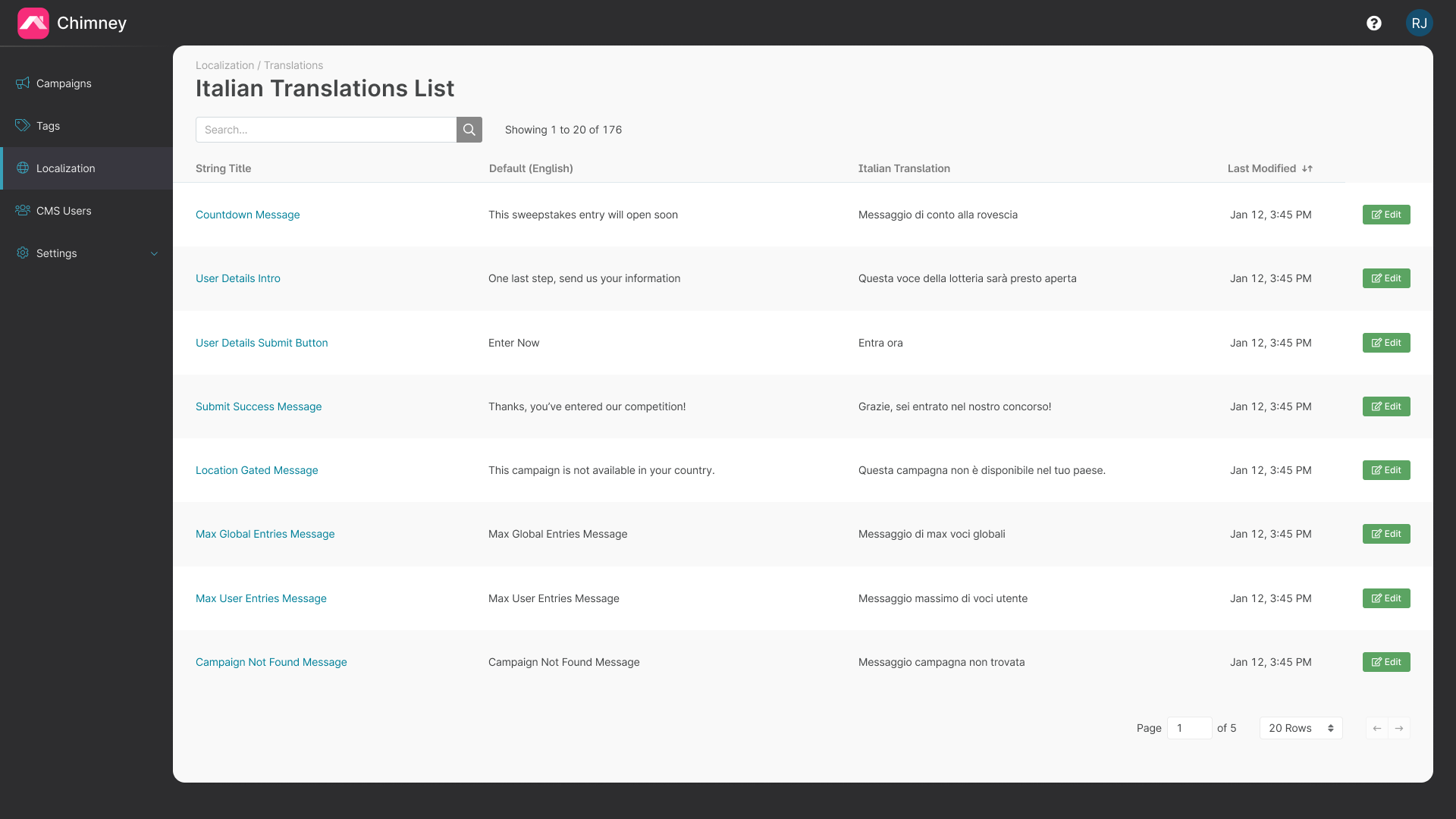
Once you have added a new language, click "Translations" in the Actions column of the localization index to view the list of translations. This displays a list of all the phrases that can be seen by a user in your campaign, as well as the phrase in English.
Note: if you don't provide a translation for a phrase it will automatically default to the English phrase.
To add a translation, click the "Edit" button in the right-hand Actions column and enter the translated phrase.
Casing
Take note of the casing in the English phrase. Phrases starting with a lowercase letter appear in the middle of a sentence. e.g. the phrase "a document" appears in the phrase "Select {file}" and "Select a document".
String Templates
Some English defaults contain string templates, e.g. "Maximum length is {limit} words". The string template "{limit}" is a placeholder for a number. Use the exact string "{limit}" to place this number in your translation.
Changing the Language of a Campaign
New campaigns use the oldest configured language as their default. Once you have at least two language options configured you can then set the language for each campaign. Search the language selector or scroll to load more options; the selected language remains available even when it is outside the current results. Translation defaults load before a language change is applied. If loading fails, the current values remain in place and you can retry. Customised copy still offers the choice to keep your values or overwrite them with the new language defaults. See the Localization section of Creating a Campaign.